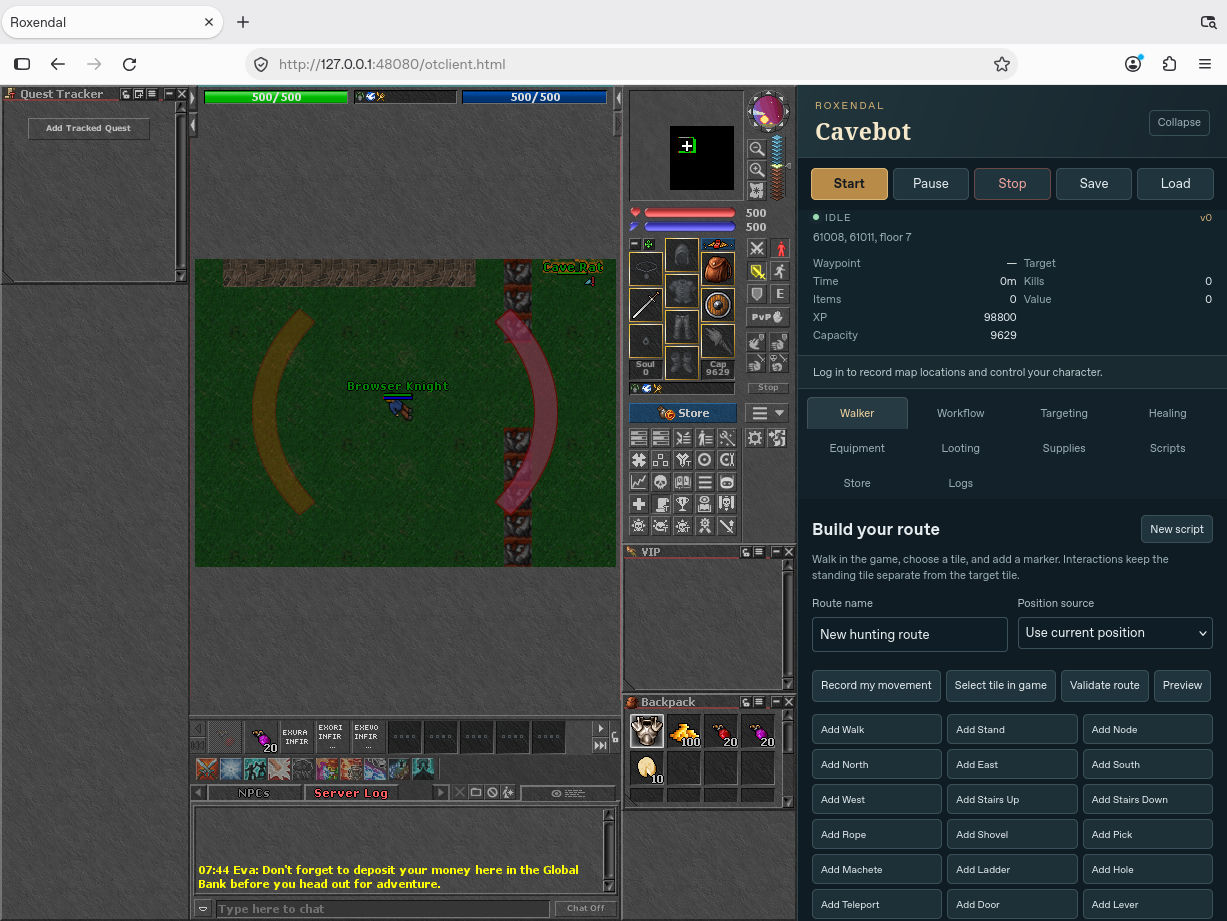
Build a short loop.
Where the Cavebot panel is enabled, open Walker and add a few waypoints around a small area you know. For the first run, leave out stairs, rope spots, closed doors and one-way drops. Make sure the last waypoint can lead back to the first.
Pick what you want to fight.
Under Targeting, start with just the creatures you already handle comfortably. Use a simple attack and set up a health potion or healing spell before adding more actions. Watch the first fight to make sure potions and spells actually fire.
Set a supply limit.
In Supplies, choose the item and a minimum you can safely return with. Use Pause for the first test instead of trusting a new refill route. When the bot stops, check the reason in Logs before trying again.
Run a loop while you’re watching.
Save the route, press Start, and watch a full loop. Test Pause and the low-supply rule. Only add a longer hunt or a return path once you know the short route behaves as expected.